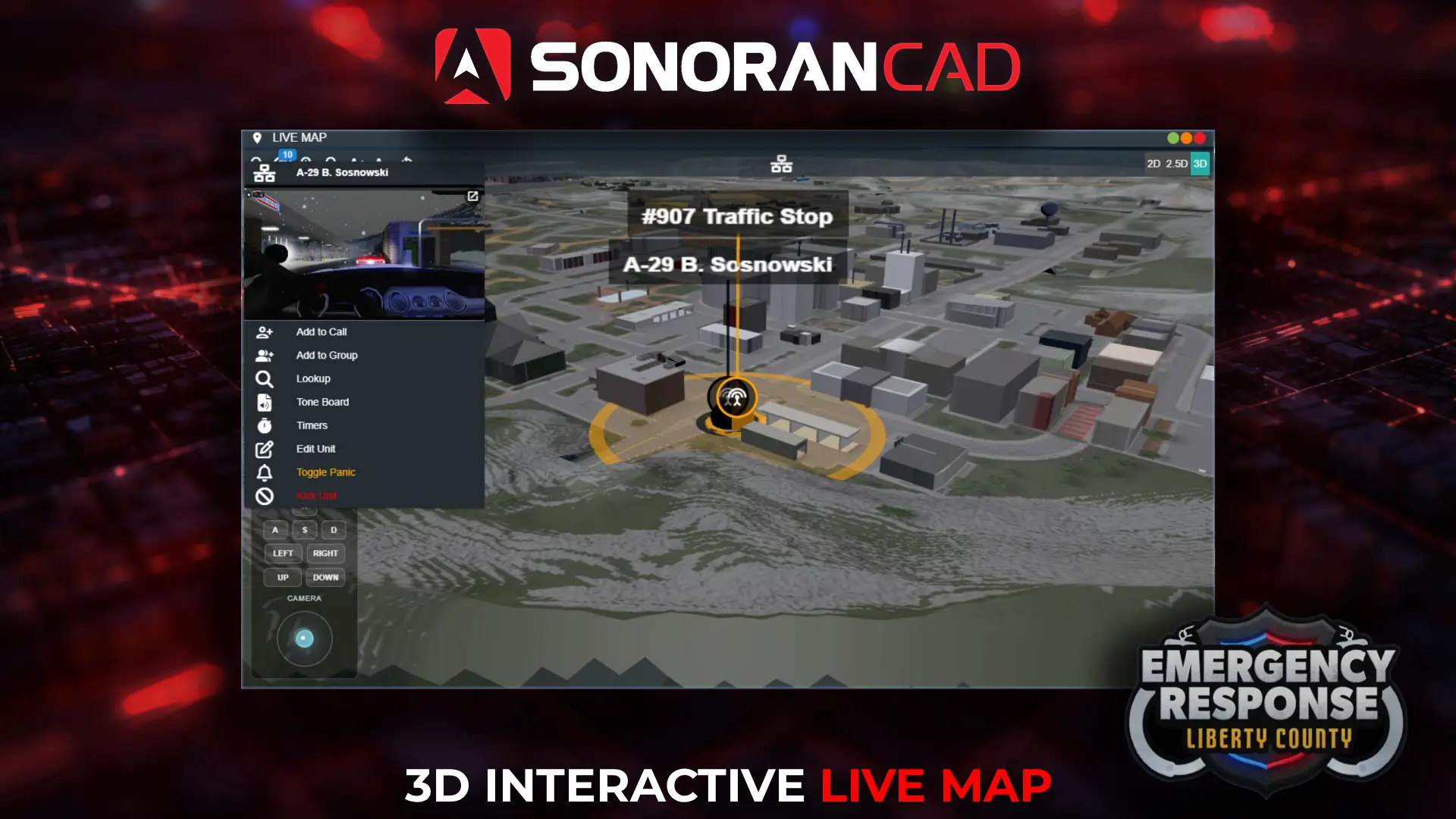
3D Live Map
Command units and scan the city with an immersive live 3D map.
Free CAD for Emergency Response: Liberty County (ERLC) on Roblox. Connect your server to a live map, bodycam, emergency calls and character tools.
Real-time tools connect gameplay, dispatch, and records so your community can stay immersed.
Command units and scan the city with an immersive live 3D map.
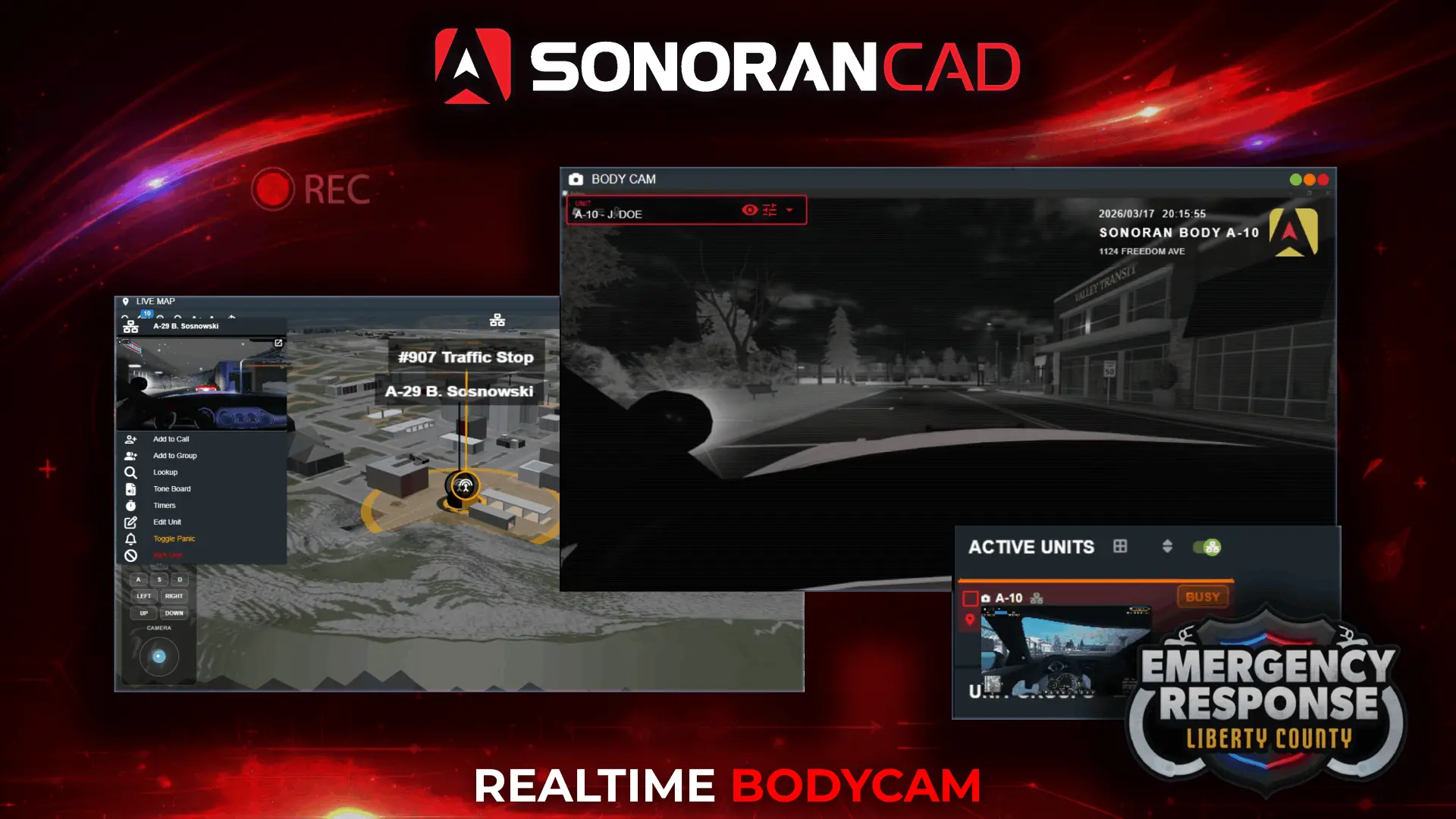
Capture in-game bodycam footage for replay and review.
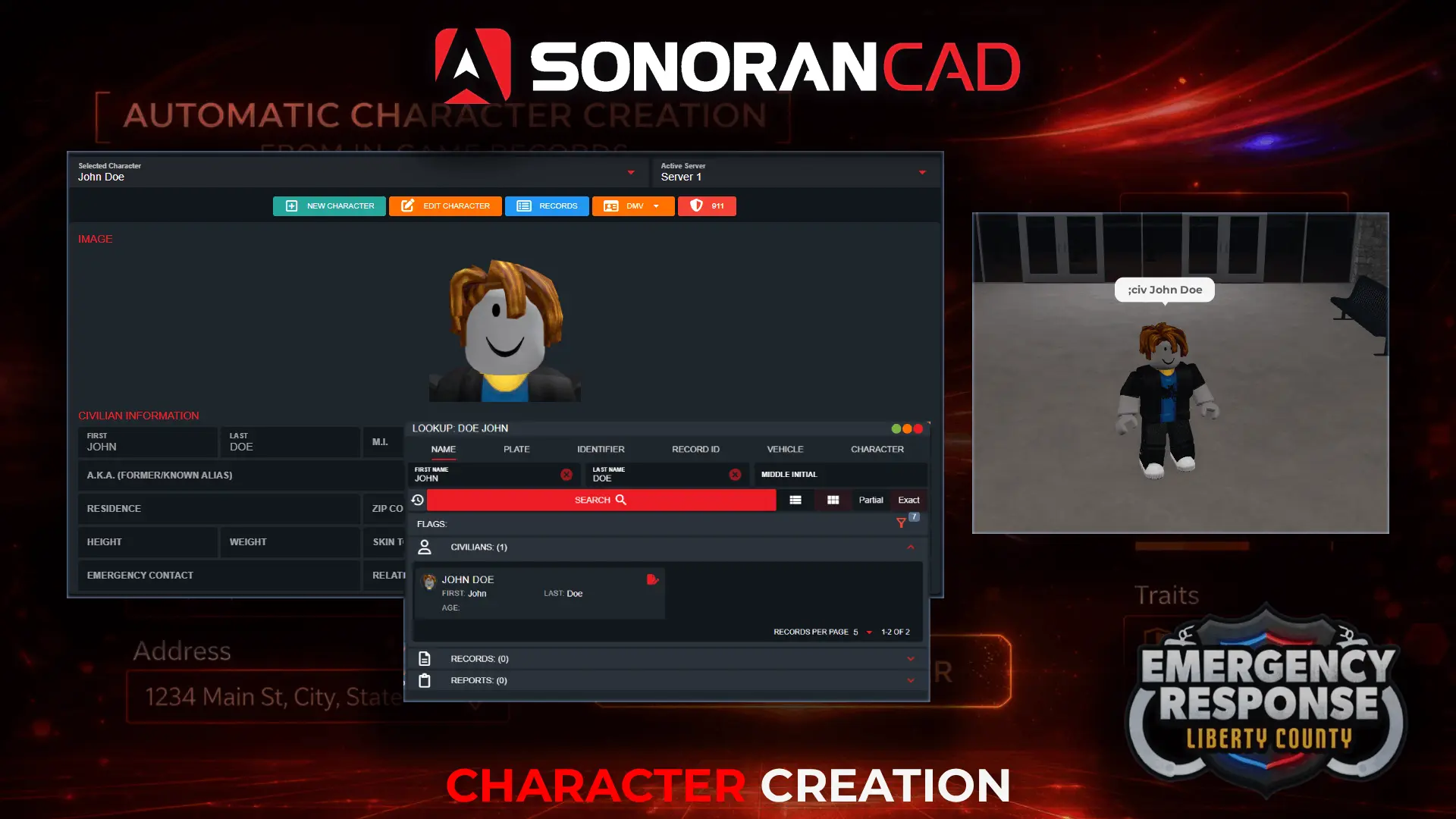
Generate characters automatically, no CAD login required.
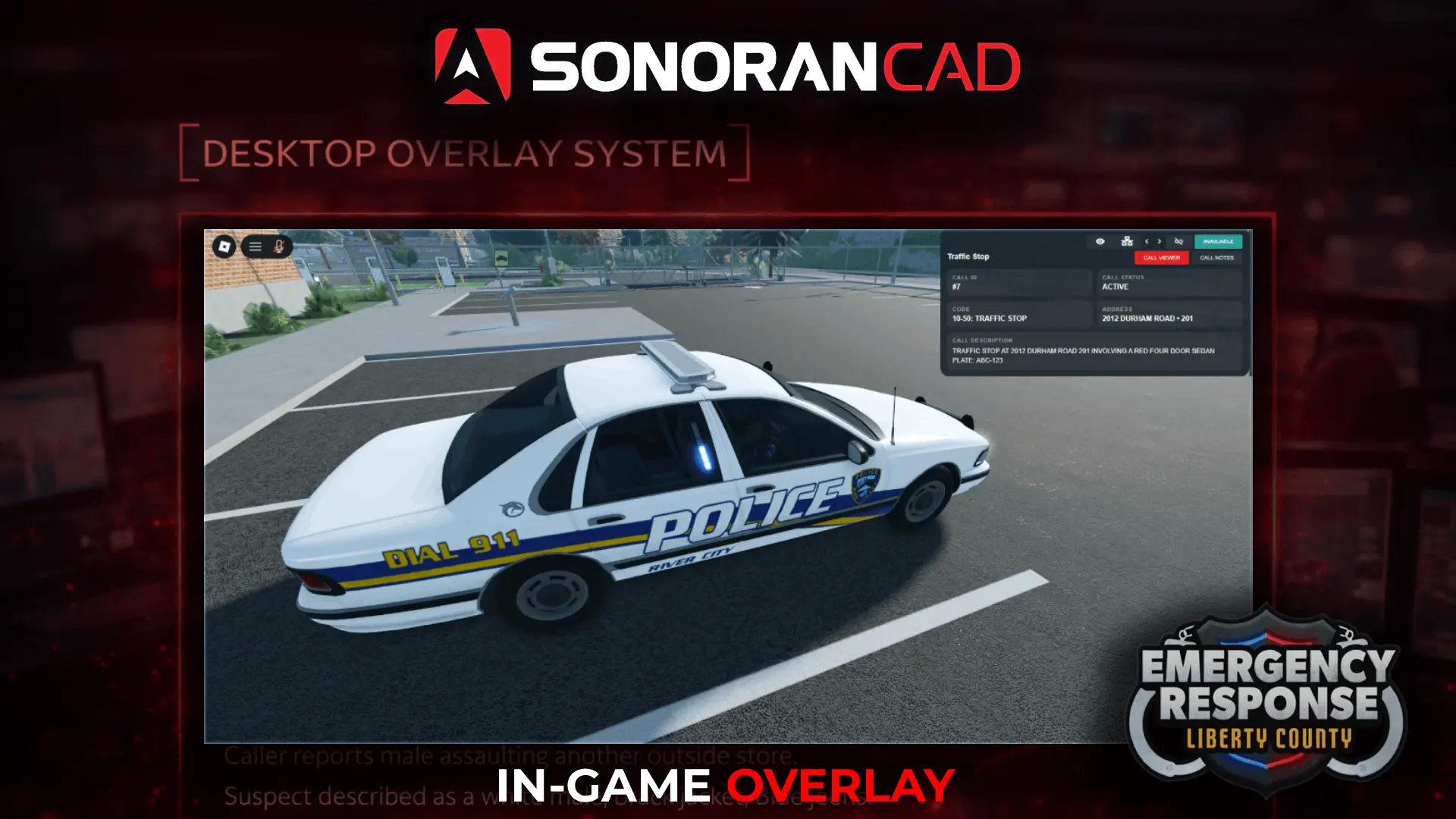
View live dispatch information without leaving gameplay.
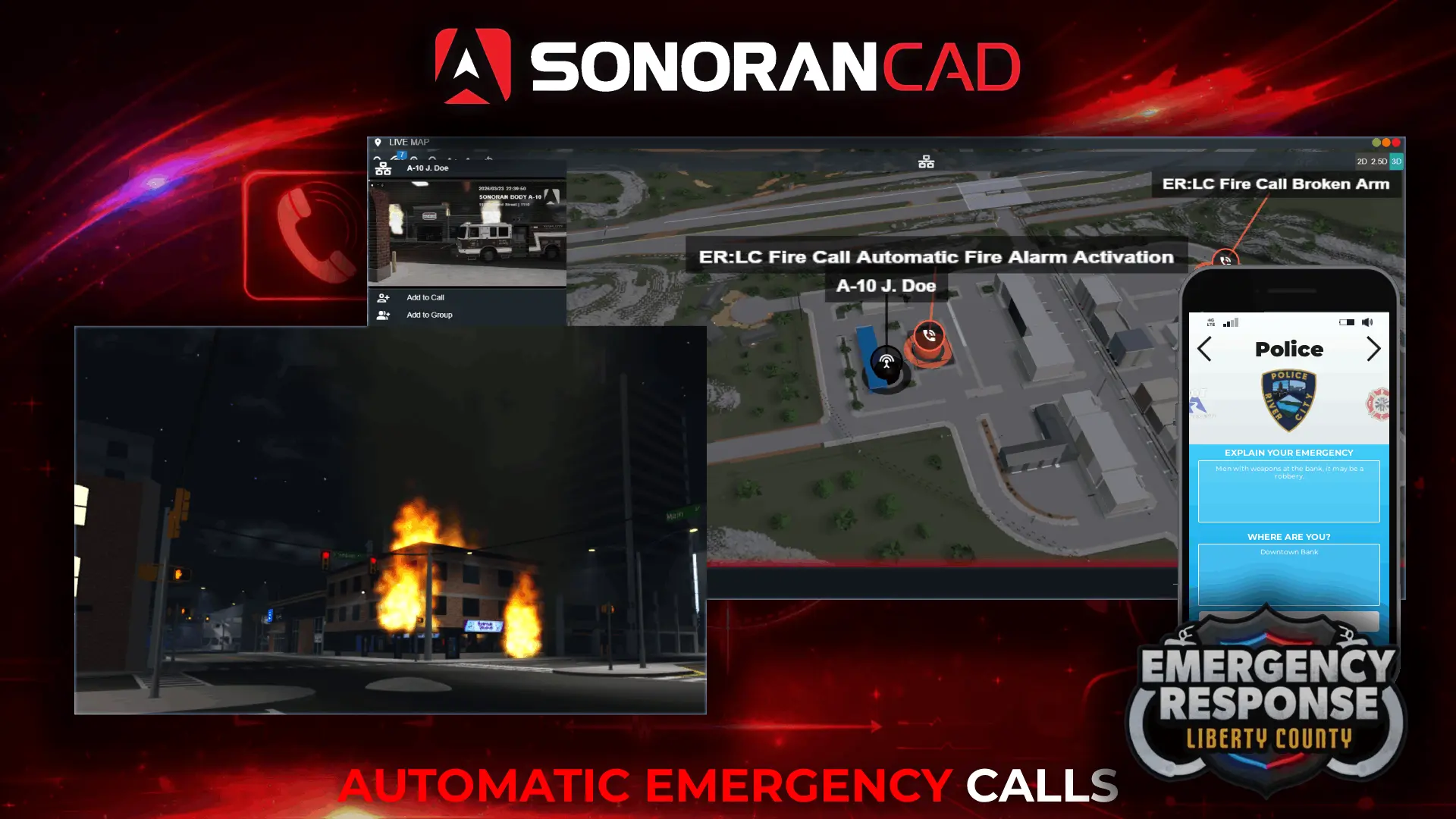
Send in-game emergency calls to dispatchers, displayed on the map.
Yes. Sonoran CAD includes the ER:LC integration on its free plan. ER:LC requires a separate API Expansion Pack purchase for your private server. CAD plan limits still apply; compare plans for account limits and additional features.
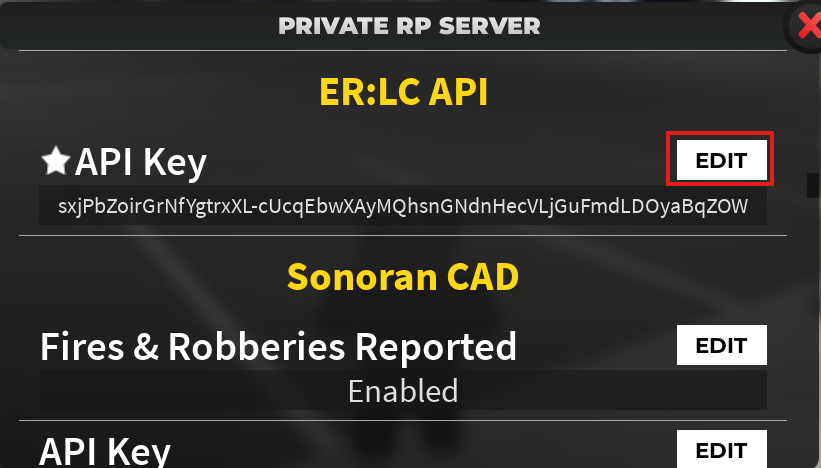
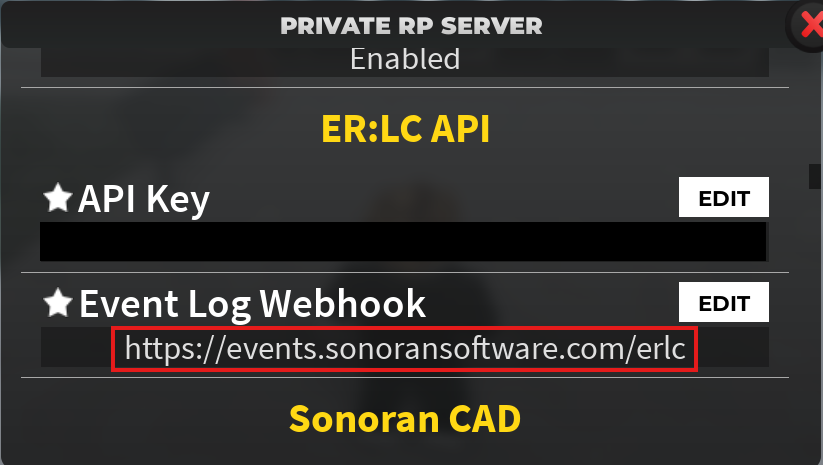
In your ER:LC private server settings, purchase the API Expansion Pack if needed and copy your ER:LC API key. In Sonoran CAD, open Admin > Advanced > In-Game Integration > ER:LC and paste the key into the matching server field. Copy the event webhook URL from CAD into ER:LC API > Event Log Webhook. Players must also link their Roblox accounts in CAD.
The integration includes a full suite of real-time features such as: - Live 3D map with player and unit tracking - Automated 911 call syncing - Traffic stop automation and hotkey - Plate reader automation and hotkey - Vehicle and character creation automation - and much more
Yes. Start with the free plan and upgrade when you need more accounts or additional CAD features. The ER:LC integration is available on every CAD plan.
Buying the pack enables API access; it does not connect the server automatically. Check that the current ER:LC API key is saved for the correct server in CAD. If calls or registrations are missing, check the Event Log Webhook in ER:LC against the URL shown in CAD. Players should also check that their Roblox account is linked. Use the setup guide below if you need help locating these settings.